
The commercial print workbook library
Excel templates for the print shop floor
Find focused spreadsheets for quotes, production handoffs, materials and delivery. Start with the task, not a blank workbook.
A job number. A clear next step.
- Separate setup from run costs
- Keep quantities and units visible
- Check the file before using its results
Available workbooks
Open the library →More from the library
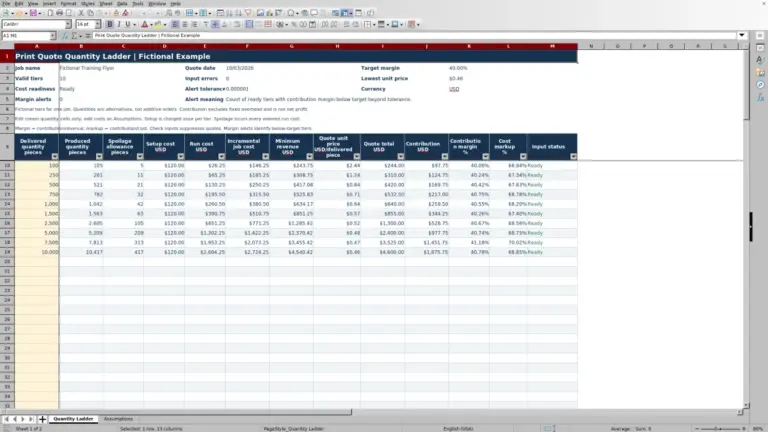
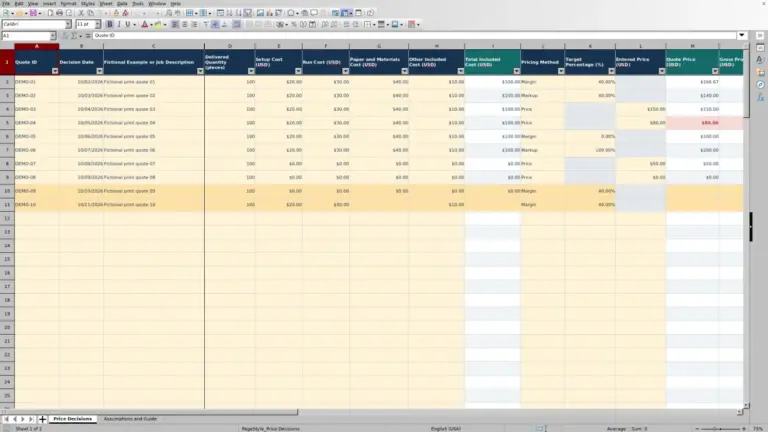
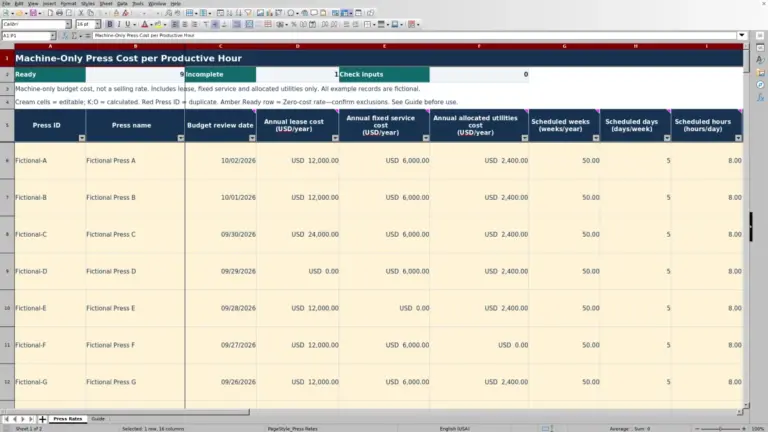
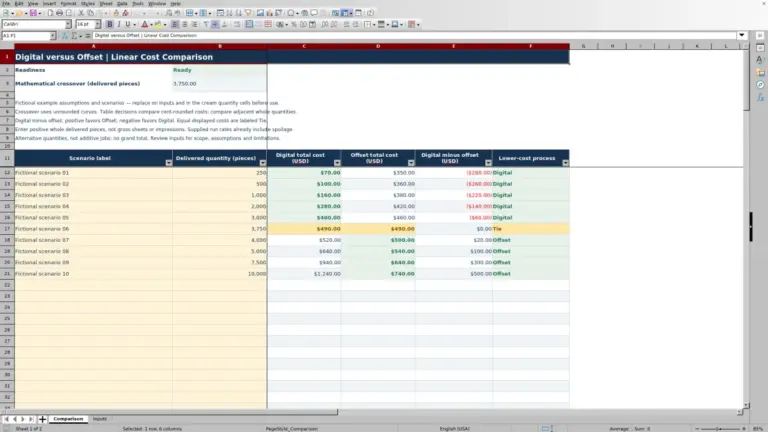
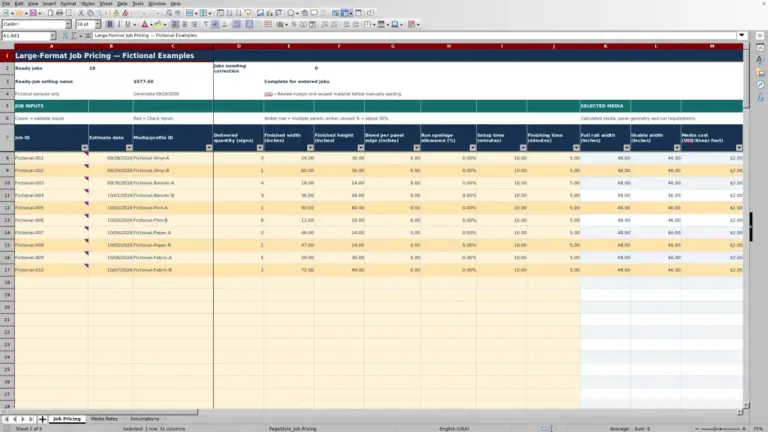
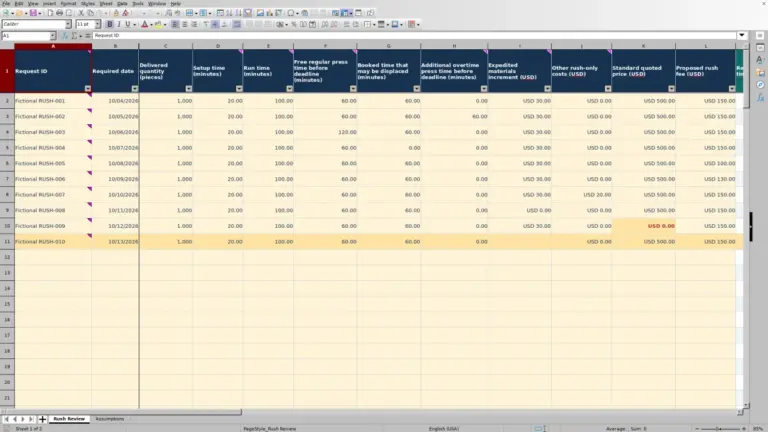
From quote to dispatch
Compare the six categories →Find your part of the workflow
Estimating10 publishedPrint pricing, setup costs, run quantities, spoilage and quote comparisons.Prepress1 publishedArtwork versions, proof approvals, file checks and production readiness.Pressroom0 publishedPress schedules, changeovers, run logs and production capacity.Finishing0 publishedCutting, folding, binding, finishing schedules and post-press checks.Materials0 publishedPaper, substrates, ink, usable stock and material purchasing.Orders0 publishedJob intake, job tickets, order changes, delivery and customer handoffs.
Choose by decision
Different jobs need different records
A price calculator cannot tell you whether artwork is approved. A press schedule is not a delivery promise. Pick the worksheet that answers the question in front of you.
What does this run cost?
Use Estimating to separate setup, run quantities, materials and margin. Confirm your own shop rates.
Which version is approved?
Use Prepress to connect proof status, artwork revision and outstanding checks.
How much is actually usable?
Use Materials to distinguish purchased units, reserved stock and usable balances.
What is ready to leave?
Use Orders to reconcile job specifications, quantities and partial deliveries.
A practical starting point
From search to a working copy
- 01
Find the task
Search the published library or start with a workflow category.
- 02
Read the details
Check purpose, screenshots, sheets, required inputs and limitations.
- 03
Save the file
Use the workbook download on its own document page when available.
- 04
Test your copy
Replace examples, check units and validate results against a known job.
Prepare your inputs
Make quantities mean the same thing
Record the production method, ordered quantity, finished dimensions, colors or sides, material unit and approved job version. A thousand impressions may not produce a thousand finished pieces; a price per sheet is not a price per ream.
Keep setup allowances, expected spoilage and actual waste separate. Example figures illustrate how a worksheet works, not market prices, supplier promises or a guaranteed production result. Preserve an untouched copy before changing formulas.
Using the library
Before you start
Which templates can I download now?
Only published workbooks appear in the library and its counters. An empty category describes planned coverage, not an available download.
Will a workbook run my print shop?
No. These files support specific calculations and records. Reconcile them with your approved job specifications and operational systems.
Can I change the formulas?
Work in a separate copy and test any change. Moving or deleting cells can break references; check totals with a small, known example before relying on them.